Sorting files and folders
The leftmost icon in the footer's view-mode group (the up/down arrows, just left of the Tree icon) opens a Sort by sheet with up to four options:
- Name
- Date created
- Size
- Last accessed
Only files are affected — folders and albums always sort by name, no matter what you pick here.
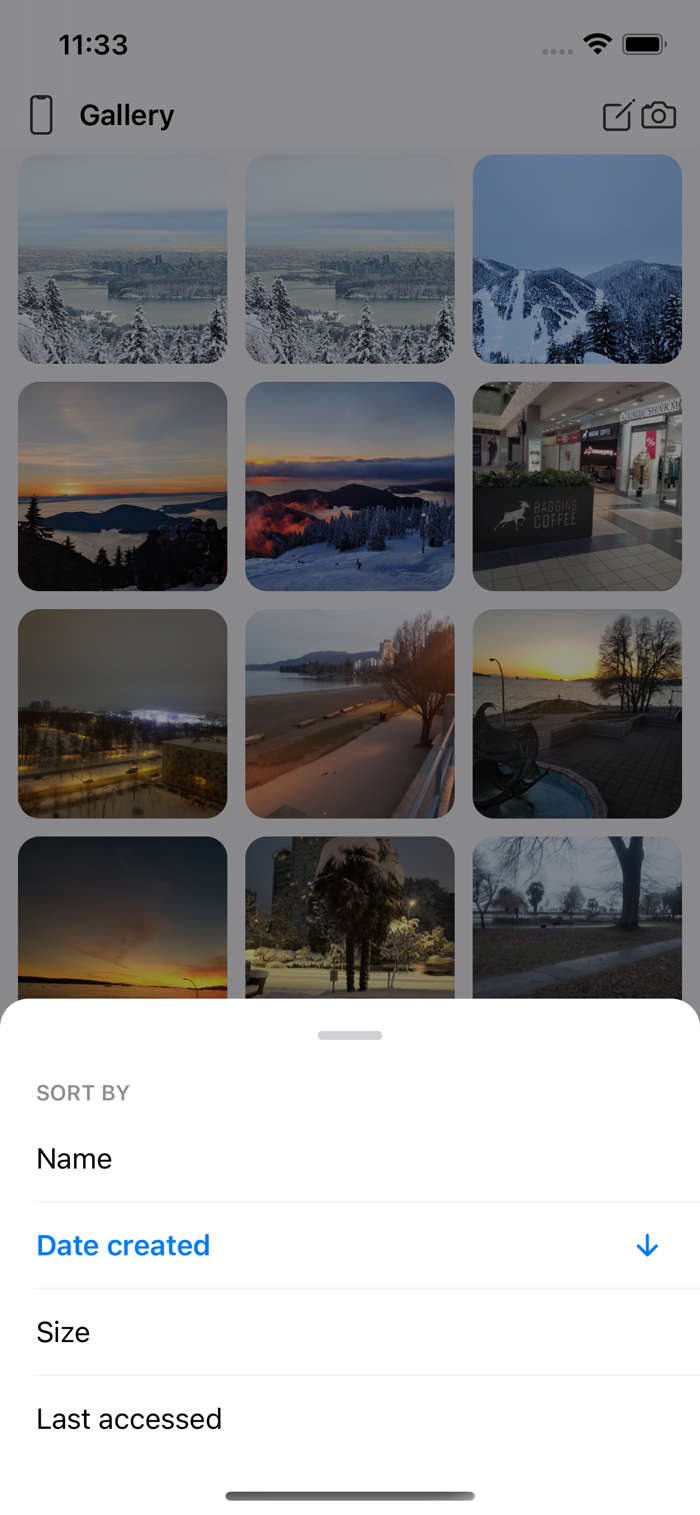
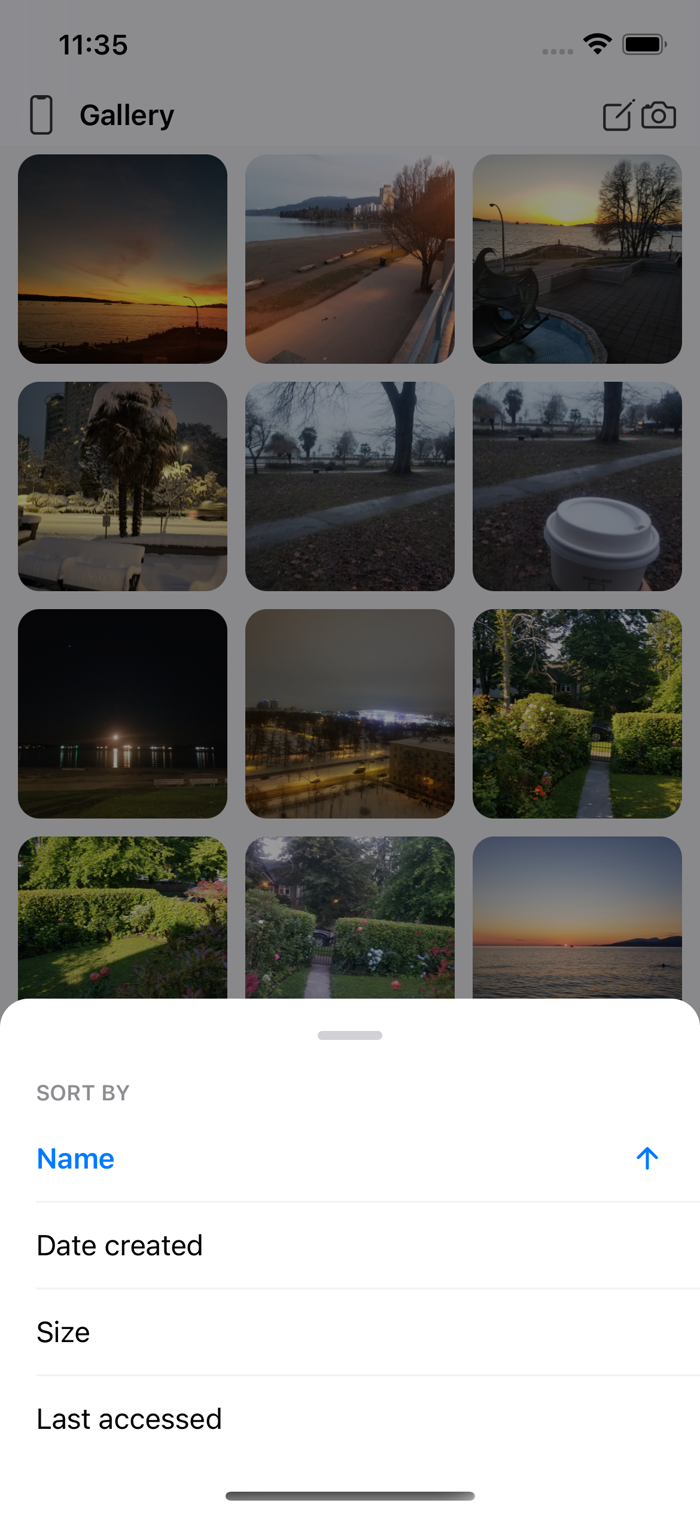
Tapping a different option switches to it, with a sensible starting direction (Name and Size start ascending; Date created and Last accessed start with the newest/most-recent first). Tapping the already active option instead flips its direction — an arrow next to it shows which way it's currently sorted.
Not every repository offers all four: Desktop has no Last accessed (the desktop server doesn't track it), and Photos has no Size (the system photo library doesn't expose file sizes). Local and SMB offer all four.
Your choice doesn't carry over once you leave the screen — reopening the same album, or restarting the app, starts back at the default (Date created, newest first).