The four repositories
AIPPics can show photos from four different sources, called repositories. You switch between them at any time by tapping the icon in the top-left corner of the header — it opens a list: Local, Desktop Server, SMB Share, Photos App.
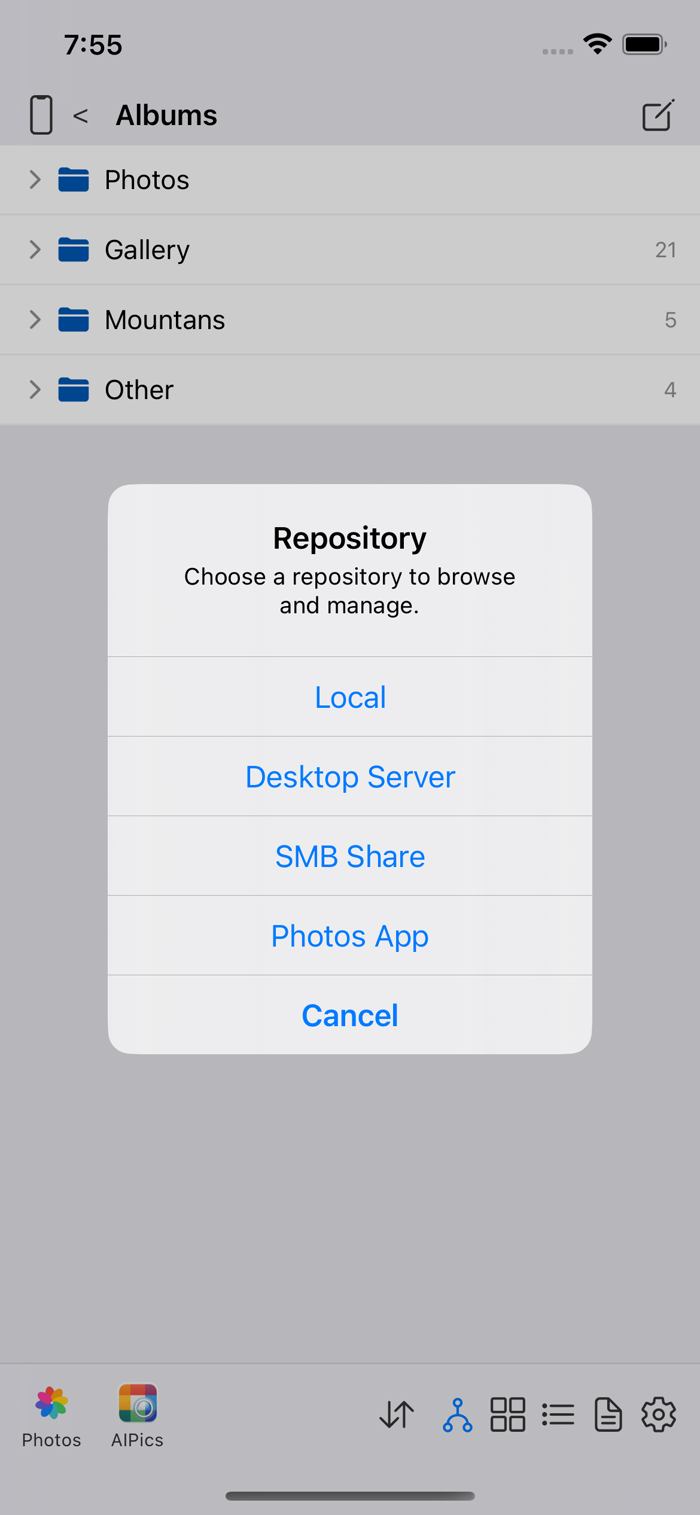
- Local — storage that belongs to AIPPics itself, on your phone. This is where photos end up when you take them with AIPPics' own camera, import them from elsewhere, or add them from your phone's regular Photos library.
- Desktop — a companion server running on your computer, on the same Wi-Fi network. AIPPics finds it automatically and you log into it once with the server's admin password.
- SMB — a standard network share (a NAS box, a home server, a Windows/Mac file share) that you connect to by typing its address, share name, and login.
- Photos — your iPhone's own built-in Photos library. AIPPics can browse its albums and delete photos from it, but not create or reorganize anything there.
Whichever repository you're in, the screens, buttons, and gestures work the same way — the differences are mostly about which actions are available (for example, you can't rename anything in Photos, and SMB doesn't have "real" nested albums, just ordinary folders).
Inside Local and Desktop, an album can technically live in more than one place in your folder structure at once — the same album showing up inside two different parent folders. This isn't possible on SMB (a plain file share) or in Photos (a flat, non-nested album list).