Exporting, downloading, and importing
-
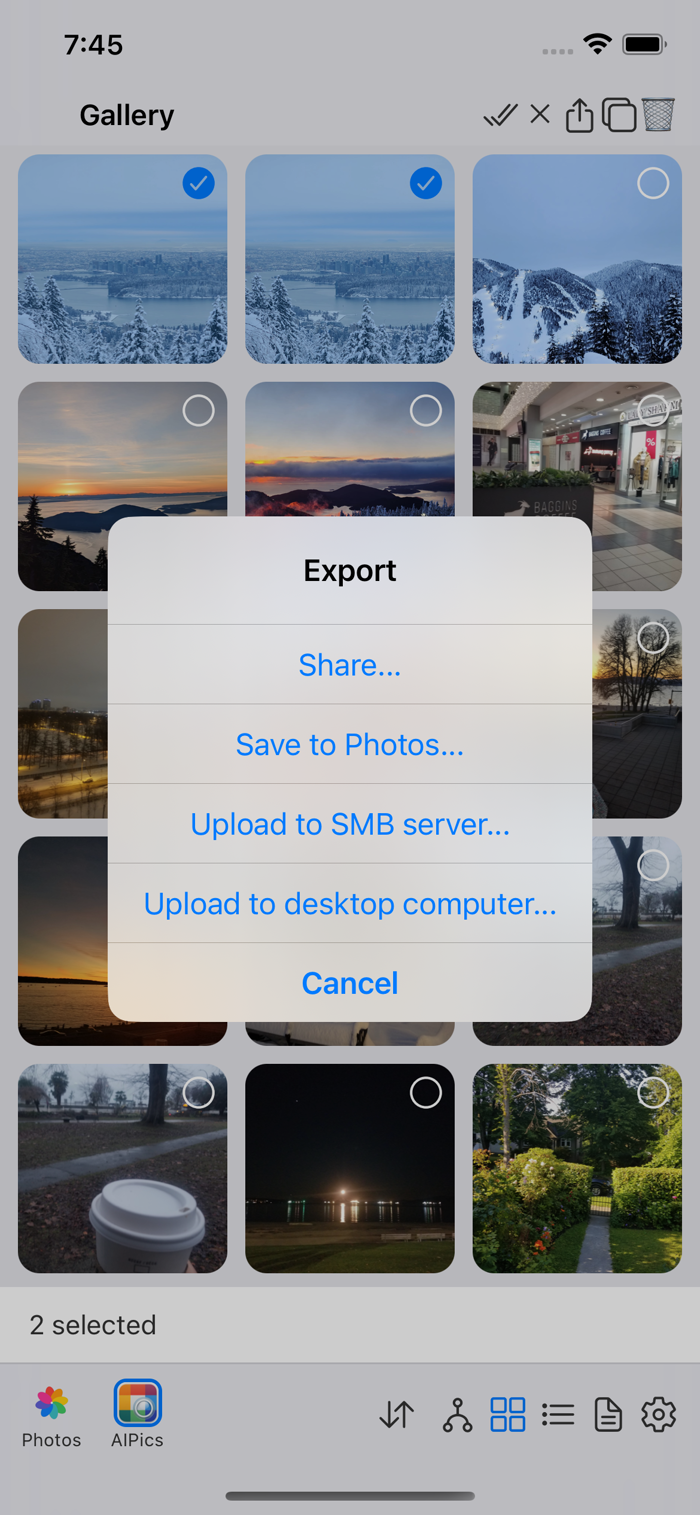
Export (Local only) — select some photos/albums, tap Export, and choose where to send them: the system Share sheet, an SMB share, or a Desktop server. Exporting a whole album recreates its folder structure on the other end, rather than flattening everything into one list. Exporting to Desktop or SMB is a paid feature if AIPPics Plus is set up that way on your build — see Settings: Demo, Free and Plus.
-
Download/Import (Desktop, SMB, Photos) — the equivalent action on these repositories: select what you want, tap the download icon, and it's copied onto your phone into the Local album you originally came from.