Copy, Cut, Paste
Available in the Local repository only — Desktop and SMB are real file storage without the concept of "the same photo in two albums at once", so copying between folders there isn't offered.
-
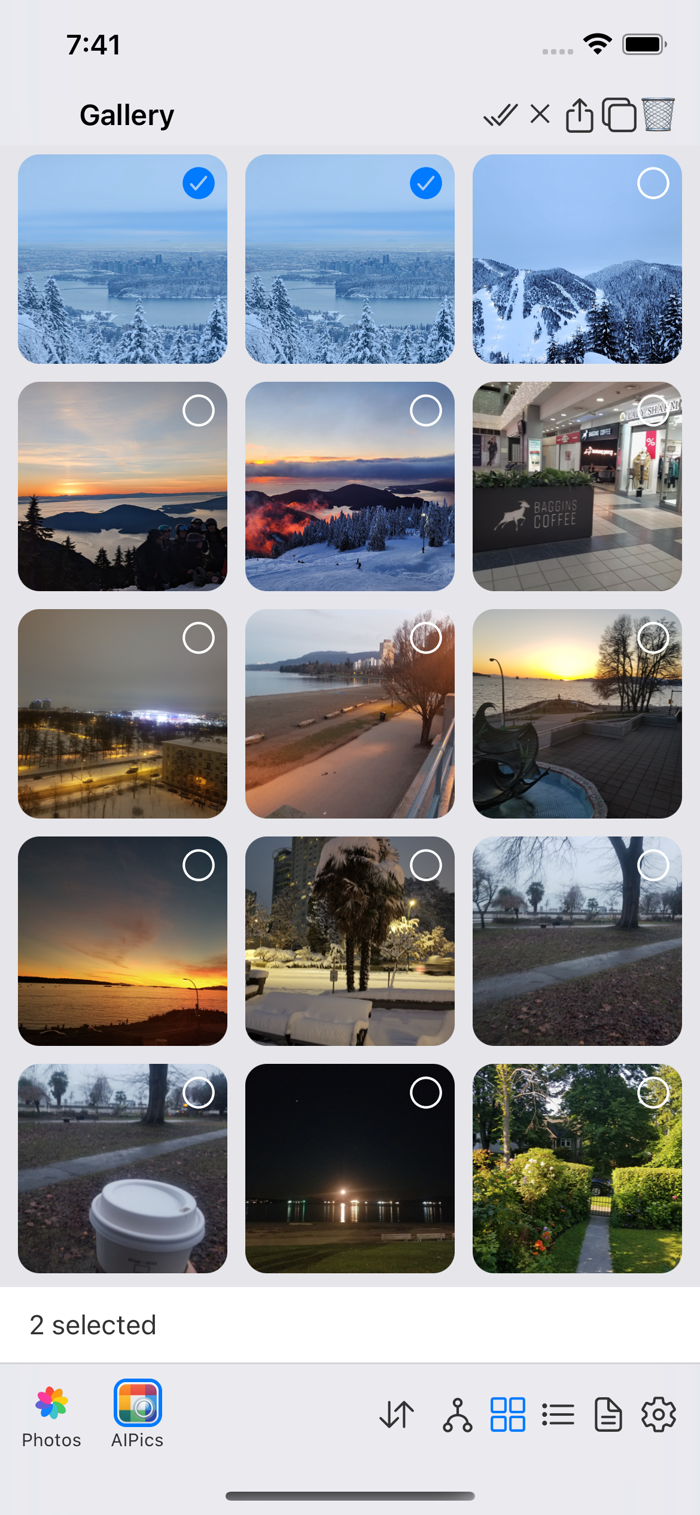
Select some photos and/or albums, then tap Copy or Cut. This exits Select mode but remembers what you picked — the clipboard sticks around even if you navigate elsewhere.
-
Go to Edit mode in the folder you want to paste into, and tap Paste.
- A copied clipboard can be pasted into as many different folders as you like — it isn't used up. Pasting adds the same photo/album to the new folder without removing it from wherever it was.
- A cut clipboard can only be pasted once — after pasting, it genuinely moves the item out of its original folder into the new one, and the clipboard empties itself.
-
Cut isn't offered from the Gallery screen, for the same reason drag doesn't remove things from it — Gallery isn't a "place" you cut things out of.