The Photos repository
Switch to "Photos App" to browse your iPhone's own Photos library through the same interface. The first time, you'll be asked to grant AIPPics permission to access it.
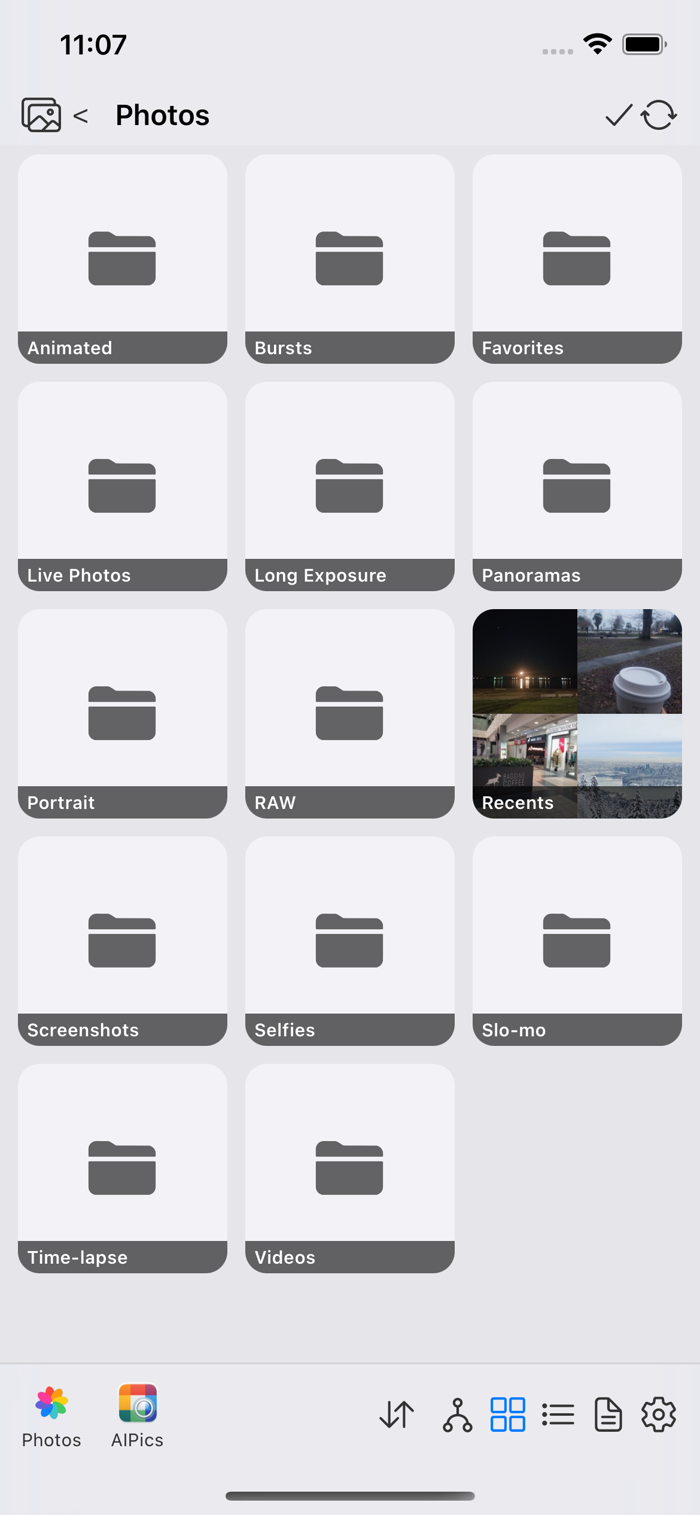
Photos is read-mostly: you can browse albums, open photos in the viewer, and delete photos (through Apple's own confirmation dialog) — but you can't create, rename, or reorganize albums there, since that's not something the Photos app allows other apps to do. Albums here also aren't nested in each other, so there's no tree view for Photos.
To bring something from Photos into AIPPics' own Local storage, select photos and/or whole albums and use the download icon — a whole album copies in as a matching subalbum of wherever you currently are in Local.