Settings: Demo, Free and Plus
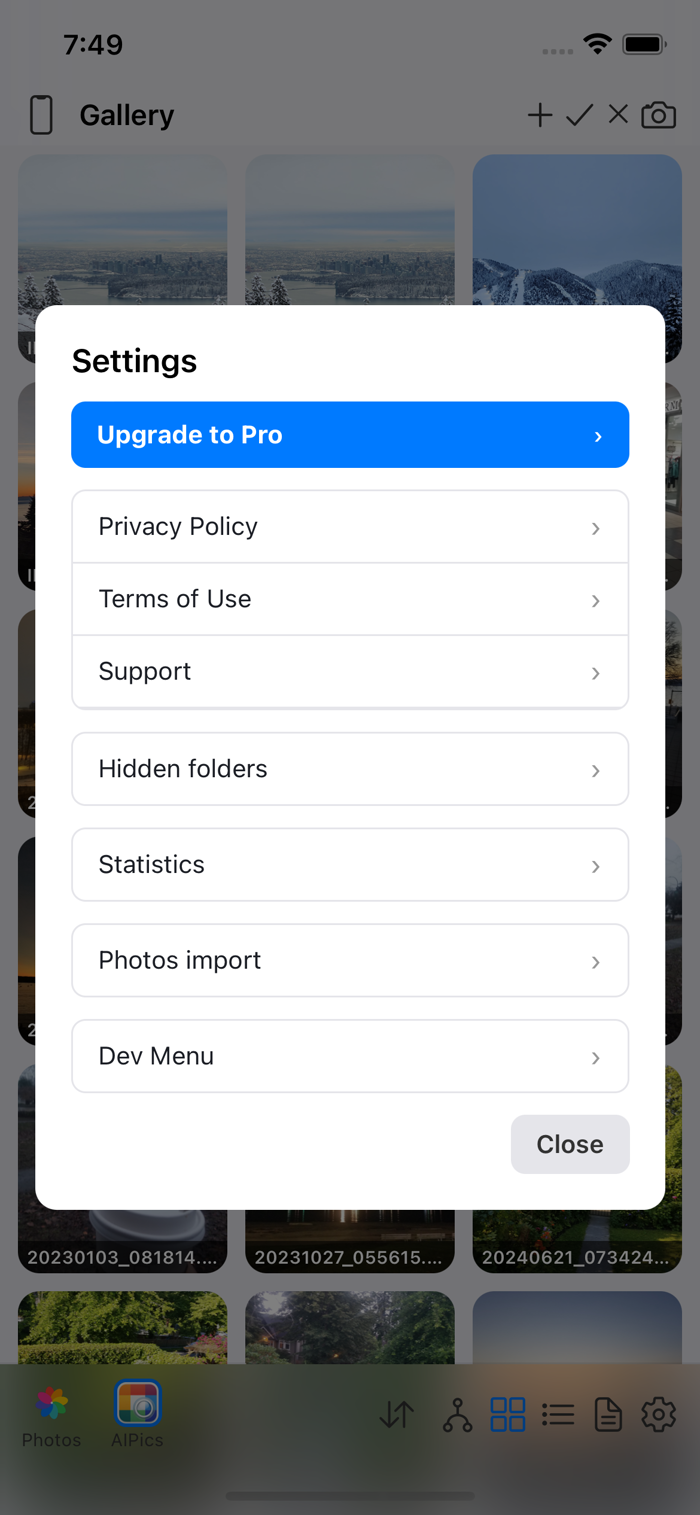
Tap the gear icon in the bottom panel to open Settings.
AIPPics comes in three versions, and the Local gallery with all its features works in each of them — they differ only in how much you can keep and move at once:
- AIPPics Demo — what you get right after installing, no account needed.
- AIPPics Free — sign in to a free AISKSoft account (Settings → Sign in / Register); the limits go up immediately.
- AIPPics Plus — no limits. Tap "Upgrade to Plus" in Settings. There's also a "Restore Purchases" button if you've already paid and reinstalled. You never need an account just to buy.
AIPPics Plus comes two ways — pick whichever suits you:
- Plus, one-time purchase — US$29.99. Pay once and Plus is yours forever on your Apple ID, including on a new iPhone (use "Restore Purchases").
- Plus Monthly subscription — US$4.99 per month. Renews automatically every month until you cancel; cancel at any time in iPhone Settings → your name → Subscriptions. Plus stays active until the end of the month you've already paid for.
Prices outside the US are set by the App Store in your local currency and may differ.
| Demo | Free | Plus | |
|---|---|---|---|
| Photos in the Gallery | 50 | 100 | unlimited |
| Folders | 6 | 6 | unlimited |
| Folder nesting | 4 levels | 6 levels | unlimited |
| Hidden albums | 2 | 2 | unlimited |
| Photos per hidden album | 3 | 3 | unlimited |
| Photos per import/export | 50 | 100 | unlimited |
| Whole albums per import/export | 6 | 8 | unlimited |
Import/export limits apply to moving photos to or from a desktop computer, an SMB server, or your phone's Photos app. Trying to go past any limit pops up a screen explaining all the limits of your version at once, with a shortcut to upgrade.
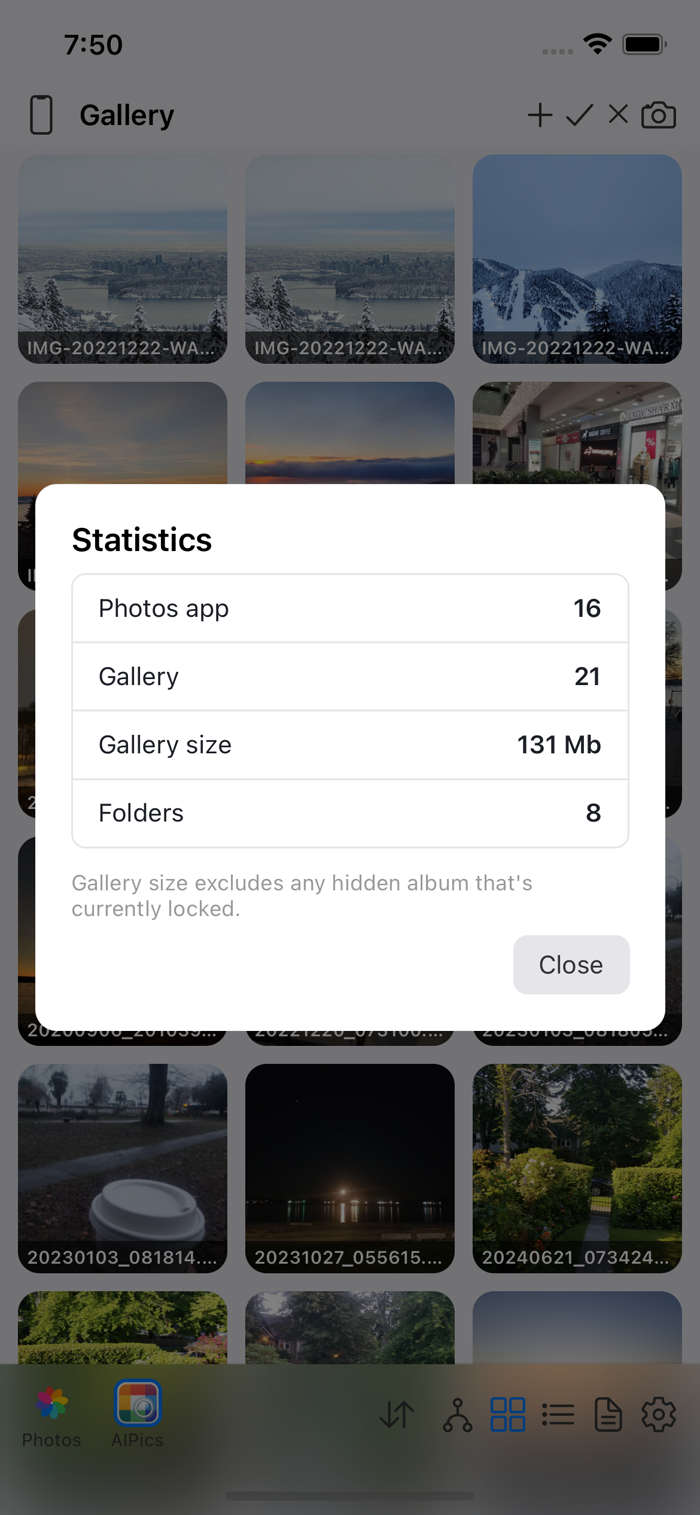
A "Statistics" row in Settings shows a quick snapshot: how many photos/videos are in your phone's Photos app, how many are in AIPPics' own Gallery, how much space the Gallery's visible photos take up (a locked hidden album isn't counted), and how many folders you have.
A "Photos import" row in Settings lets you change your mind about the copy-or-link question from Adding photos at any time (including switching it back to "ask every time"), show or hide linked photos in the Gallery list specifically (regular folders/albums always show them regardless of this), and run a one-off "Find Photos originals for existing photos" check that looks for photos you added before this feature existed (or that couldn't be matched automatically) and, where it finds an unambiguous match, unlocks the "Delete from everywhere" option for them too (see Deleting photos and albums).
Settings also links out to the app's Privacy Policy, Terms of Use, and Support contact.
Everything past that — a raw settings file editor, appearance customization, and some destructive database-reset tools — is meant for development and troubleshooting, not everyday use, and is hidden behind a "Dev Menu" password prompt in Settings.